AI practice questions for any subject
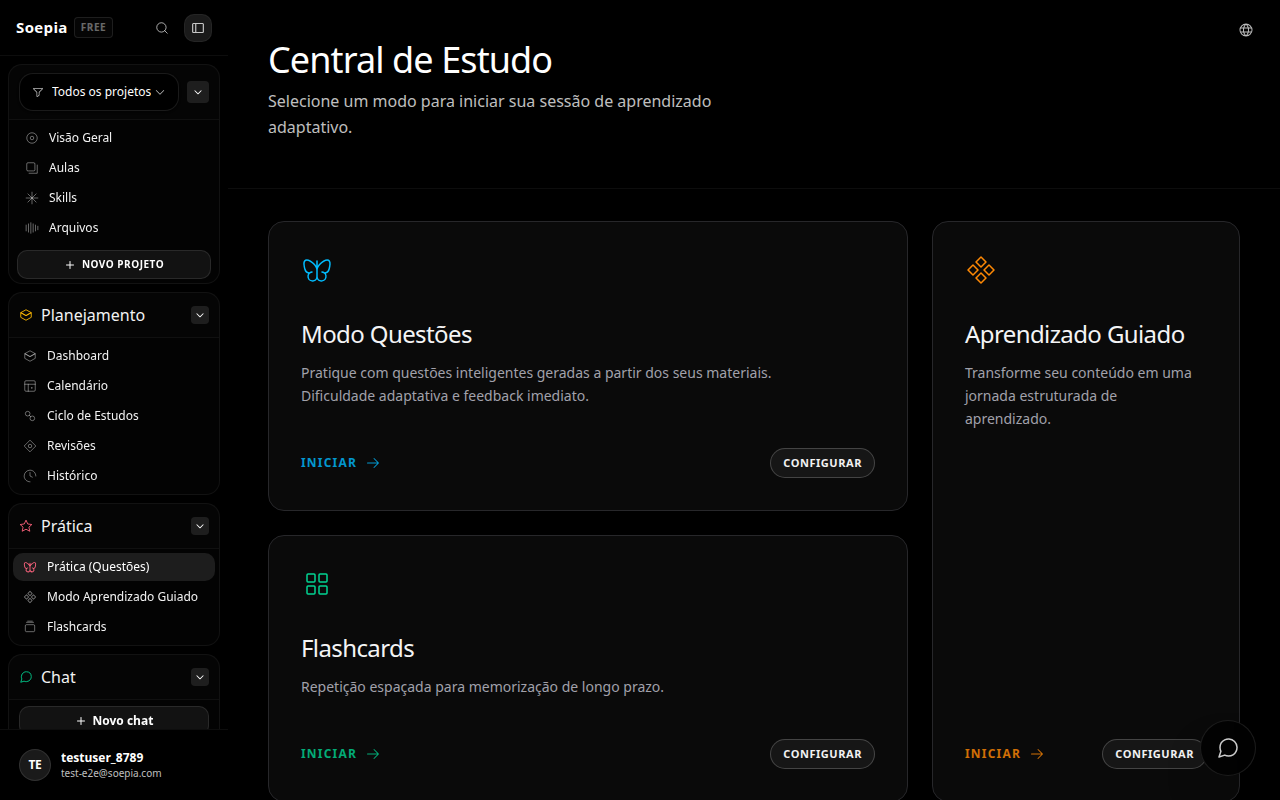
Create AI practice questions on Soepia from a topic or a project file as support. Choose the source, configure difficulty and question types, answer in an active-recall session, and receive an explanation or feedback to decide what to review. A generated question is a learning instrument, not an official question bank.
Two ways to start
Write a free topic such as calculus or cell biology, or select project files whose context has been processed. Practice can start from what you want to learn or from the material already in your study project.
Choose how to practice
Question mode supports multiple choice, fill-in-the-blank, true-or-false, and open-ended questions, with configurable difficulty. Combine formats that ask you to remember and explain instead of only recognizing the right option.
Answer and see feedback
After you answer, the session shows the correction and explanation available for that question. This return highlights what to revisit without promising that every mistake automatically changes the rest of your path.
Use generated practice carefully
AI-generated questions can contain inaccuracies or fail to match a specific exam. For assessments, compare practice with official material, instructor guidance, and trusted sources.
Continue with a related path
Soepia combines AI, active recall, spaced repetition, and staged focus so you can learn anything scientifically, with a clear method and visible progress. Create my study plan.